


Text to speech tools are not hard to come by, but when it comes to handle Arabic, the hardest language in the world, not any of them can create great Arabic speeches.
To save you from endless searching and comparison, we selected 8 best Arabic text-to-speech converters in terms of generation quality, speed, accent support. Check them out.
These Videos Could Be Yours. Edit Them for Free!


Also Read: Best Slideshow Video Makers Online
FlexClip - Free Arabic Text-to-Speech Converter Online
FlexClip solves the workflow challenges that content creators face when working with the Arabic language. Utilizing advanced AI voice models from industry leaders like Google, Microsoft, ElevenLabs, and MiniMax, you can generate accurate Arabic speech audio in 120 natural-sounding male and female Arabic voices across different age groups. You also have the option to adjust the generated pitch and speed. Create AI Arabic voices now!
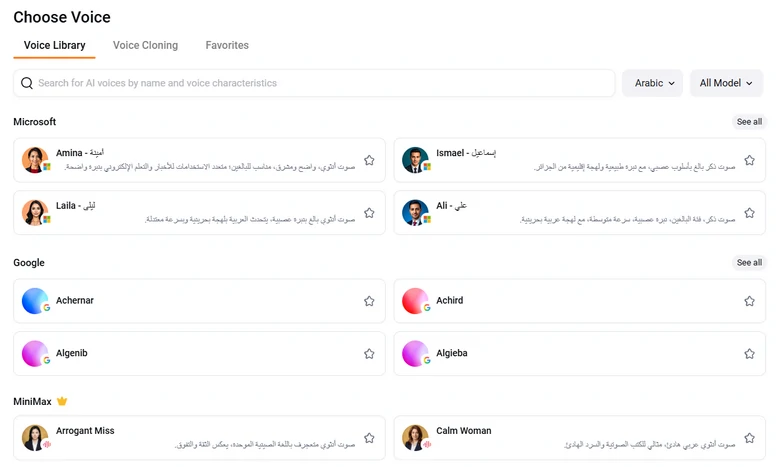
FlexClip Arabic Voice Generation Model
Don't like the default voices? FlexClip's voice clone tool perfectly copies your sound features and accents, so that you can handle intricate phonetics and flow of the Arabic language.
FlexClip AI Speech & Voice Clone Overview
What truly sets FlexClip from other Arabic voice generators is its seamless integration into an all-in-one video editing timeline. You can perfectly sync it with video cuts, use AI avatar to deliver information without filming, apply accurate captions to the video. Embrace an easier and faster way to create Arabic videos.
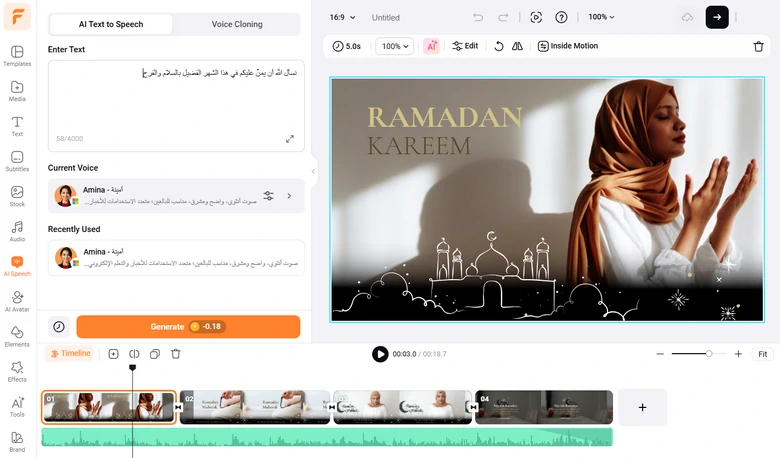
FlexClip Edits Arabic Video
Price: 1 credit for processing 300-character script. 300 credits cost $9.99 per month. Video editing costs $11.99 per month.
Supported Accent: 120 voices from different Arabic-speaking countries. You can also use the voice clone feature to create voice model in accent you love.
2. Narakeet - Professional TTS Tool
Narakeet supports over 140 languages, and Arabic is one of them. Copy and paste your script to its main page, or upload a document like MS word, excel, PDF, EPUB, RTF, you can soon have an audio file with the help of AI power.
There are a few options that you can use to customize the output. You can choose from 13 voices, adjust the talking volume, speed, output format. The sad thing is, you can’t choose accents, which is not cool for Arabic, a language with so many accents. If you feel like, you can use the dictate feature to polish your voiceover.
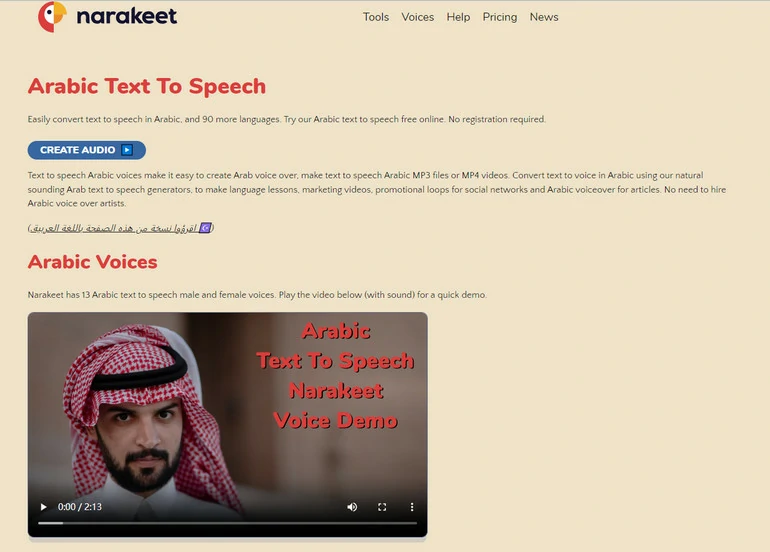
Arabic Text-to-Speech Tool - Narakeet Overview
Price: Comes with a free trial. Subscription starts from $6 per 30 minutes.
Supported Accent: Only standard. 17 voices to choose from.
3. TTSFree - Multiple Servers Powered TTS Tool
TTSFree has two servers to help you convert Arabic texts into natural speech. You can find different supported accents within them. In total, 17 accents are available for you to choose from, each comes with 2 voices. TTSFree can even help add background music to the audio from a library, or music library like YouTube, SoundCloud.
We don’t like the cluttered interface due to the ads popping up occasionally. Besides, the customization choice is quite limited. You can only adjust the voice pitch and speed.
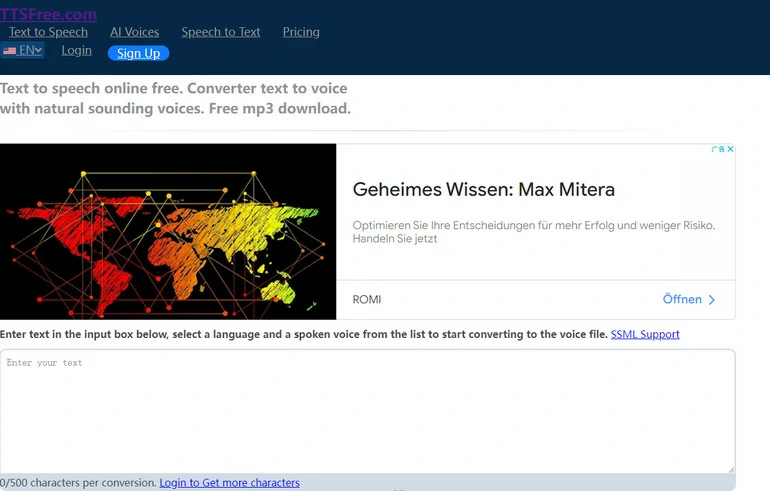
Arabic Text-to-Speech Tool - TTSFree Overview
Price: 500 characters for free trial. Subscription price starts from $5 per month.
Supported Accent: 16 accents, each comes with 2 voices.
4. Play.ht - A Wide Collection of AI Arabic Tools
Play.ht created a series of AI tools related to Arabic and the Arabic TTS tool is just one of them. If you are in the free version of Play.ht, you can only turn your Arabic script in 5 voices, stand accent. Premium members offer you 16 more accents, each with 2 voices. The developer claims that they are opening the voice clone feature for more languages. Let’s look forward to this amazing feature.
Since Arabic is not one of the most spoken languages, Play.ht doesn’t provide many editing options. You can only set the output option as regular. The downloading audio format is MP3 and WAV. By the way, the accuracy is not as high as in other languages like English, German, French.
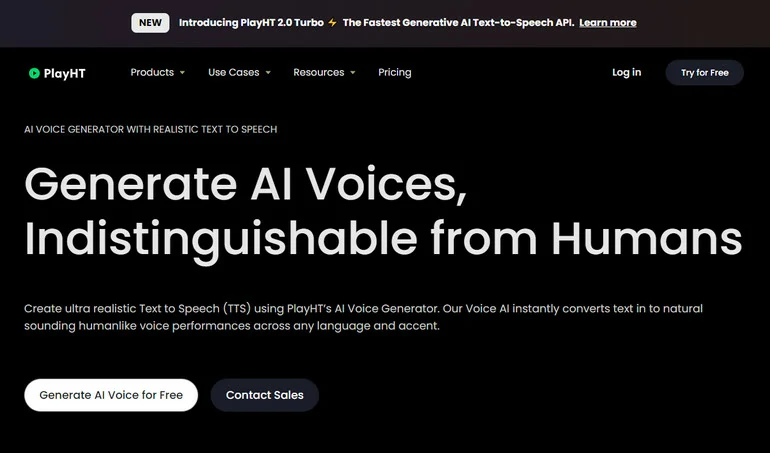
Arabic Text-to-Speech Tool - Play.ht Overview
Price: Free trial available. The subscription plan starts from $31.2 per month with 3 million characters per year.
Accent: 16 accents, each comes with 2 voices. However, they are behind the paywall.
5. Murf - Arabic AI Tool with Authentic Male & Female Voices
Murf provides fewer accents and voices for Arabic than we expected. You can only choose from 5 voices of different ages, genders. The best Arabic TTS-related features are in its basic and pro plans. Behind the paywall, Murf allows you to collaboratively work with others, access licensed soundtracks, or even custom soundtracks like adjusting pitches, speed, emphasis.
It is very generous of Murf that it offers all languages and voices for free users, however, free users can’t download the generated audio, and the transcription time is limited to 10 minutes. The cheapest basic plan costs $19 per month. With the basic plan, you are able to generate 24 hours of audio per year.
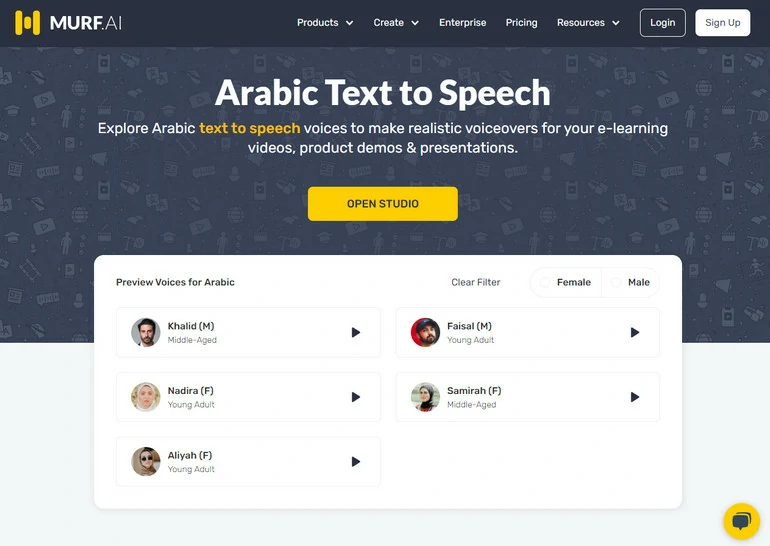
Arabic Text-to-Speech Tool - Murf Overview
Price: Free to generate 10 minutes of audio in 20+ languages. Basic plan starts from $19 per month.
Accent: You can’t choose accents. There are only 5 voices available.
6. Synthesia - AI Arabic Avatar Video Generator
Synthesia is famous for generating AI avatar videos. Select a character of over 200+ actors, input texts, and it will speak out anything for you. The movement of the lips and body is quite natural.
When it comes to converting your Arabic text to speech, you can choose over 40+ voices from all Arabic-speaking countries. You will also be able to make adjustments to the audio in order to make the output sound natural, for instance, adding emphasizes, changing tones. The sad thing is, you can’t download the generated audio file. You can only use the voices for an AI avatar video.
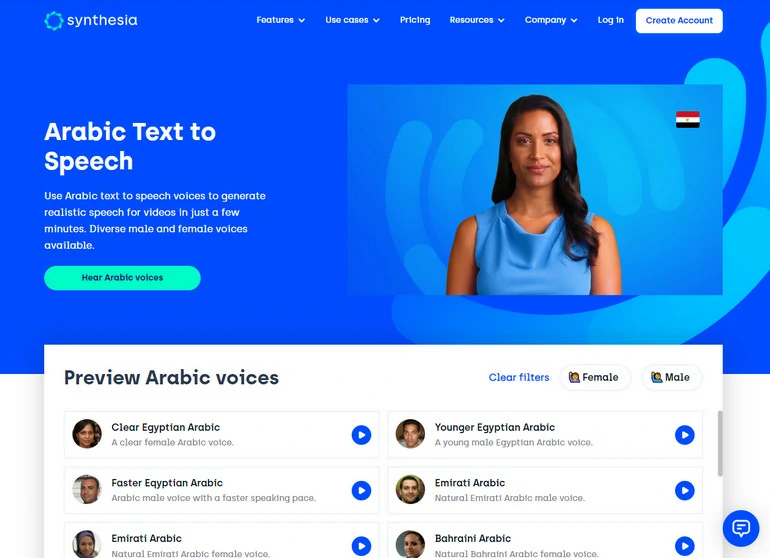
Arabic Text-to-Speech Tool - Synthesia Overview
Price: There is no free trial. You need to pay at least $22.5 per month.
Accent: 40 voices, 16 accents.
7. Speechify - Multiple Platform Arabic TTS Tool
Take Speechify wherever you go! You can use Speechify on Google Chrome Extension, iOS/Android, or computer desktop. Copy and paste your Arabic texts, or upload an Arabic document, you can easily finish converting in seconds.
Speechify only offers you 5 natural voices in Arabic. It may be too little, but you can set the reading rate from 0.5X slower to 9X faster. There are no other editing tools you can utilize.
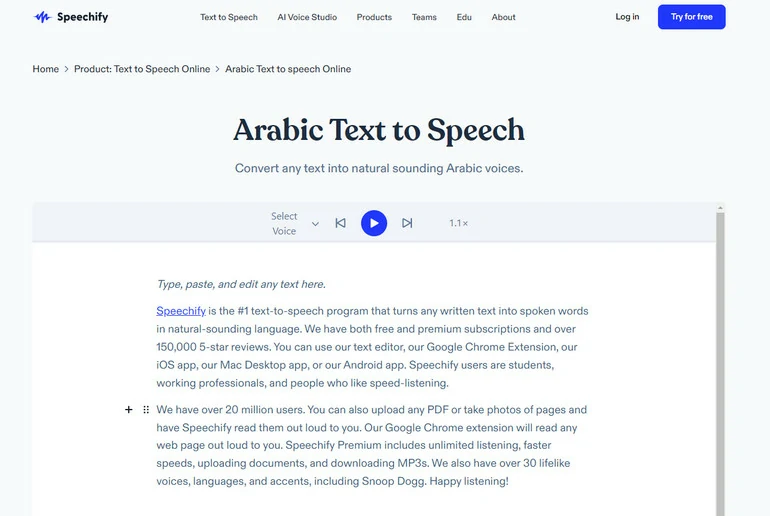
Arabic Text-to-Speech Tool - Speechify Overview
Price: Comes with a free trial. This tool costs $19.99 per month.
Accent: Only offers 5 voices for Arabic.
8. NoteVibes - High-End Arabic TTS Tool
NoteVibes limits the resources and features that free users can get. In total, NoteVibes provides 5 female and 5 male Arabic accent voices, and a large number of editing tools like adding pauses, changing speed & pitch, controlling volume. However, free users can only get 4 voices, and no editing tools.
The subscription price for NoteVibes is $19 per month. You can pay as you go at $49 for 400,000 characters, with all voices and editing tools.
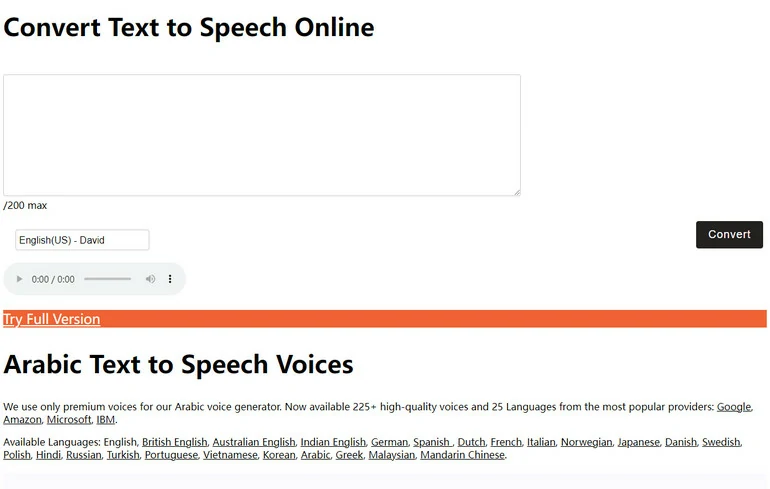
Arabic Text-to-Speech Tool - NoteVibes Overview
Price: Comes with a free trial. Subscription starts from $19 per month.
Accent: 10 voices available. No accent options.
The Bottom Line
That’s the end of the best AI Arabic text-to-speech tools. If you find this post helpful, please do remember to share it with others.
By the way, except for helping you read out Arabic texts, FlexClip also helps to transcribe your Arabic videos, and make edits on your video in Arabic. Explore endless possibilities with FlexClip.




FlexClip AI Video Maker
Reach professional-quality videos faster with easy editing tools, templates, and smart AI.
Start Now for Free
Hot & Trending
-

Best Ways to Find Music in YouTube Videos
-

Instagram Story Video Quality Bad After Upload? Fix It!
-

How to Repost Video on TikTok & How to Remove TikTok Repost
-

Improve Video Quality Online: 3 AI Video Quality Enhancers You Can't Miss
-

4K Convert to HD 1080p without Watermark: Best 4k Video Converters
-

Best 8 Free Video Editors - No Download Required
-

Top 13 Birthday Video Makers with Music and Effects Free
-

How to Search Filters on TikTok & Use a Filter You See - TikTok Filter Guide




